How to Increase Google Business Profile Traffic in 2025: Proven Strategies That Actually Work
Posted on
June 12, 2025
Can You Really Increase Google Business Profile Traffic Without Spending on Ads?
In 2025, driving traffic to your Google Business Profile (GBP) is more than just ticking a few boxes—it’s about turning that profile into your local marketing powerhouse. As customer search behaviors evolve, standing out on Google is essential for any local business.
At Listbusinessprofile, we specialize in helping businesses shine online. This article uncovers high-impact, up-to-date tactics to increase Google Business Profile traffic with a focus on visibility, engagement, and conversions.
Why Does GBP Traffic Matter in 2025 & You Can Increase Google Business Profile Traffic
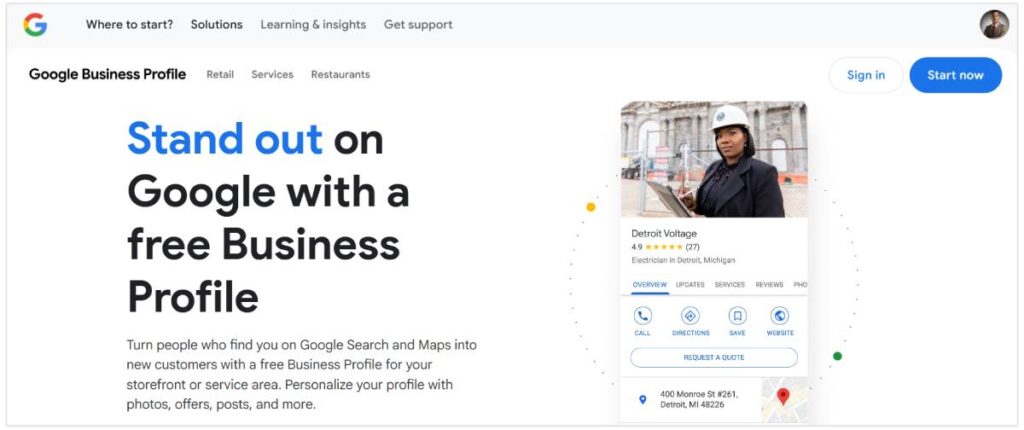
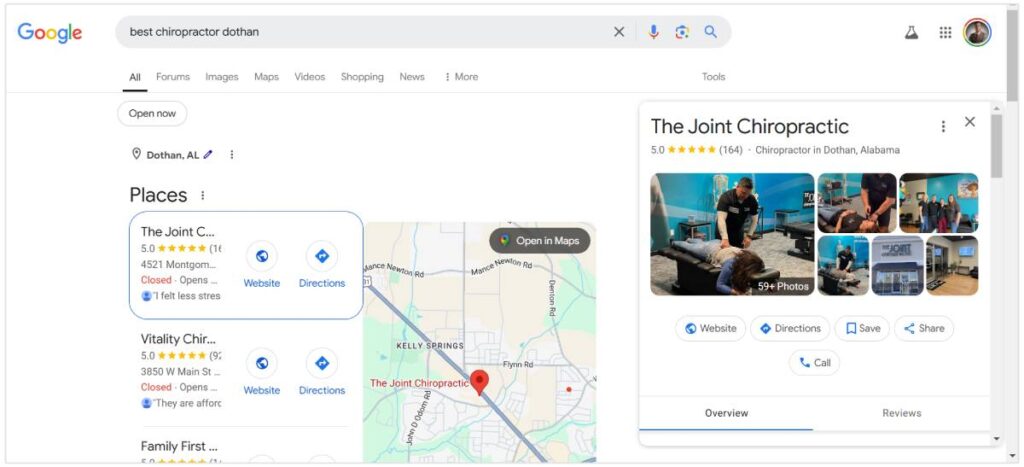
Your Google Business Profile is often your customer’s first touchpoint. It shows your hours, reviews, location, and what others think about your business—all before they even visit your website.
Quick question:Is your Google listing making people want to connect—or click away?
A strong GBP attracts clicks, phone calls, and foot traffic. Let’s make it work for you.
1. Fully Optimize Every Section of Your GBP
Leaving parts of your profile blank is like handing out a business card with missing information.
Checklist for 2025 Optimization:
Business Name (as officially registered)
Physical address & service area
Correct phone number & website URL
Business category + subcategories
Operating hours (with holidays)
High-quality logo and cover photo
Business opening date
Extra boost: Add business highlights (e.g., LGBTQ+ friendly, veteran-owned), product/service menus, and FAQs.
2. Use Smart Local SEO Keywords
Keywords help Google understand your business. Use geo-targeted keywords in your description, services, and updates.
Keyword Examples:
“Top-rated pest control in [City]”
“Local SEO consultant near me”
“Digital marketing experts in [Area]”
Tools to help: Google Keyword Planner, Ubersuggest, or Ahrefs.
Ask yourself:Are you using terms your customers are actually searching?
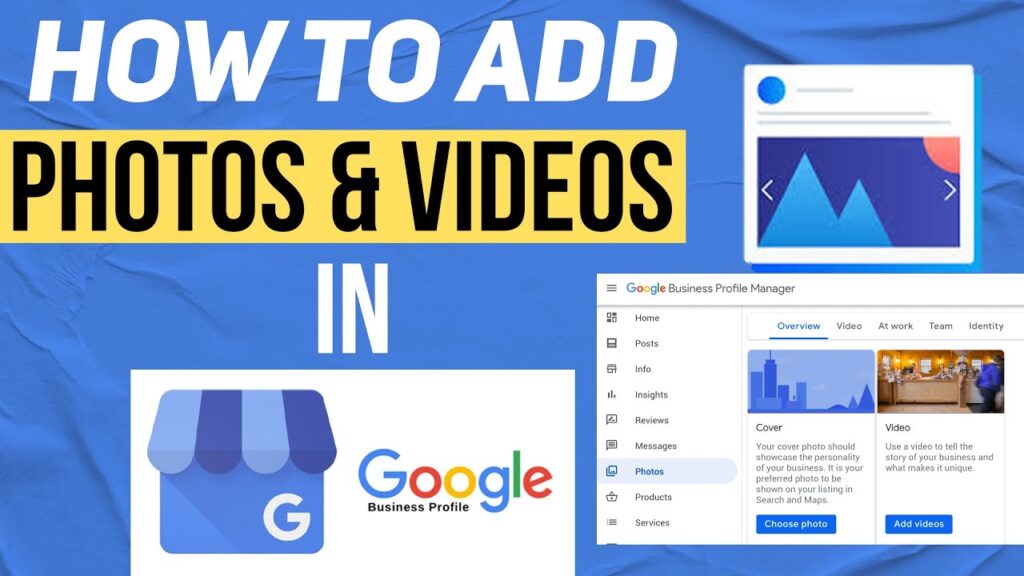
3. Upload High-Quality Images Consistently
Google says businesses with photos get:
42% more requests for directions
35% more clicks to websites
Upload Suggestions:
Team photos
Behind-the-scenes shots
Office/storefront images
Product close-ups
SEO Tip: Rename images using keyword-rich filenames.
4. Create Weekly Posts to Stay Active
GBP lets you publish updates like a mini social media feed. Weekly posts show activity and authority.
Post Ideas:
Seasonal offers
Customer reviews
Blog highlights
Promotions or events
Call-to-actions to include: “Learn More,” “Sign Up,” “Call Now.”
Engagement Tip:Treat GBP like an extension of your content strategy.
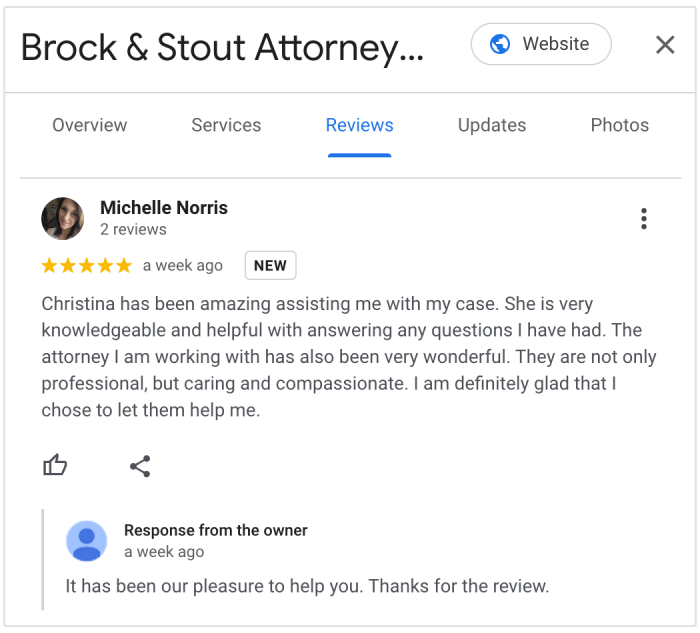
5. Actively Collect and Respond to Reviews
Reviews improve trust—and they’re a local ranking factor.
Tips to Get More Reviews:
Ask happy customers in-person
Send follow-up emails with review links
Add a review request to your invoice or receipt
Response Best Practices:
Be timely
Use first names
Include service keywords naturally
Example Reply:
“Thanks for your kind words! We’re proud to be your go-to digital marketing agency in Bengaluru.”
6. Enable Messaging and Use Q&A Effectively
Turn on GBP’s messaging to connect with leads instantly. Customers love fast answers.
Pro Tip: Pre-fill your Q&A section with common queries such as:
“Do you offer free consultations?”
“What’s included in a standard SEO package?”
Reminder: Respond to new questions fast—speed builds trust.
7. Showcase Your Products and Services
List everything you offer under the appropriate tabs with detailed descriptions.
How to Maximize This:
Use service names like “Affordable Web Design in [City]”
Add visuals where applicable
Include pricing if possible
This builds clarity and boosts keyword relevance.
8. Gain Local Backlinks for Authority
Backlinks from local directories, blogs, and forums improve your ranking and referral traffic.
Effective Places to List:
Yelp
Bing Places
Clutch
Local chambers of commerce
Bonus: Write guest posts for local news websites.
9. Monitor Insights and Adjust Regularly
Google offers GBP Insights that show:
How people find you
What actions they take (clicks, calls, directions)
What keywords led them to your profile
Ask Yourself:When did you last check your profile’s analytics?
Adapt based on the data. Don’t guess—optimize.
10. Consider Google Ads for Extra Exposure
Running Google Local Services Ads helps your profile rank above organic listings.
Why It Works:
You appear in premium positions
You can earn the “Google Guaranteed” badge
It drives direct leads from searches
Start with a small budget and scale based on ROI.
11. Leverage Customer Content for Extra Credibility
Encourage customers to upload their own images or tag your location.
Why It Matters:
Builds social proof
Boosts engagement
Increases visibility
Ideas:
Run a photo contest
Feature customer pics in your GBP updates
12. Optimize for Voice Search
Voice search is growing. Optimize with question-based, natural phrases like:
“Who offers best SEO near me?”
“Where can I find web design in [City]?”
How to Do It:
Use conversational tone in services and FAQ
Focus on local intent
13. Ensure Mobile Optimization on Linked Website
Most GBP traffic comes from mobile users.
Must-haves:
Fast page load time (<3 seconds)
Clear call-to-action buttons
Responsive design
Slow websites kill conversions—don’t let yours be one of them.
Case Study: Putting It All Together
Imagine you run a web design agency in Mumbai. You:
Add weekly posts
Use location keywords
Upload new images monthly
Collect 10 new reviews in a month
Link blog posts on your services
Result? Higher profile rankings, more inquiries, and increased conversions.
Final Thoughts: Turn GBP into a Local Lead Machine
In 2025, local intent searches dominate Google—and an optimized GBP is your ticket to tapping into them. Focus on content, consistency, and community to stay ahead
Want to Supercharge Your GBP Results? Let Listbusinessprofile help you:
Optimize your listing
Improve your local SEO
Drive traffic that converts
👉 Visit listbusinessprofile to grow your business with proven local strategies.